
About Nadda
Small games.
More connection.
Nadda turns a spare moment into time together. Pick a small game, invite someone you know, and reconnect from any modern browser—without downloading an app or creating an account.
Explore all games- No download
- No account
- Cross-device
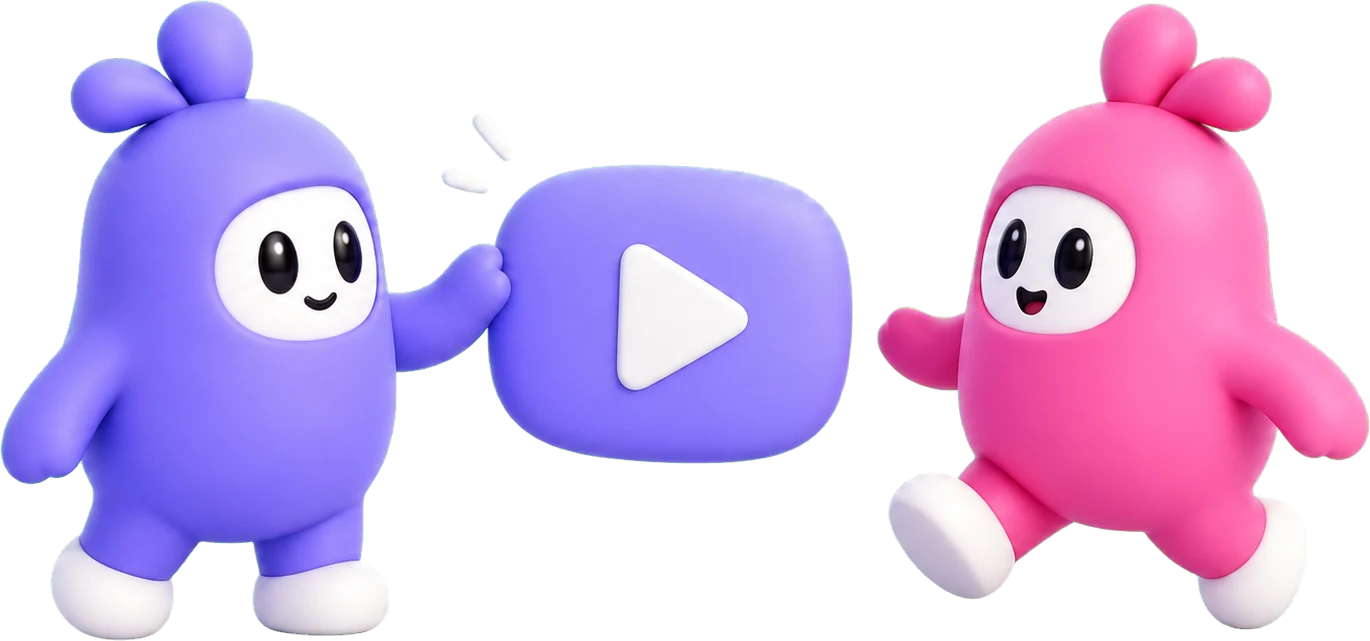
Meet the Nadda duo
Every game starts with an invitation.
The purple and pink duo represent both sides of a shared moment: the friend who reaches out, and the friend who comes back for one more game. They appear throughout Nadda to make waiting, winning, losing, and reconnecting feel more human.

Two ways to play
Choose how you play.
Bring a friend for a live match, or jump into a solo game whenever you have a few minutes.
Play with a friend
Create a private room and compete together in real time on any supported device.
Play on your own
Start instantly against a local bot—ideal for learning, practicing, or taking a quick break.
A GamePigeon alternative
Fewer barriers, more ways to play.
Nadda brings quick social games to the open web without relying on iMessage, owning the same device, or installing another app.
Instead of
→Tied to iMessage
With Nadda
Invite anyone with a room code or link—no messaging platform is required.
Instead of
→Limited device choice
With Nadda
Play together across Android, iOS, and PC from a browser.
Instead of
→Complicated setup
With Nadda
Create or join a private room in a few clicks, without downloads or accounts.
Instead of
→Only one way to play
With Nadda
Choose a live friend match or play against a bot whenever it suits you.
Made for real life
A game for every moment.
Whether you are together or miles apart, starting the next match should feel effortless.
Challenge a friend
Create a private room, share the invite code or link, and start a real-time 1v1 match together.
Join in seconds
Enter a room code from the home page, choose a display name, and join—no account or app installation required.
Play across devices
Friends can play together from Android, iOS, or PC. All they need is a modern web browser.
Practice with a bot
When friends are busy, play a solo match, learn the rules, and sharpen your strategy at your own pace.
Frequently asked questions
Good to know.
Quick answers about playing, private rooms, supported devices, and Nadda.
Do I need to download an app or create an account?+
No. Nadda runs directly in a modern web browser, and you can start playing without installing an app or creating an account.
How do I play with a friend?+
Create a private room from the home page or a game page, then send your friend the room code or invite link. Once they join, the match can begin.
Can we play on different devices?+
Yes. Nadda is designed to work across Android, iOS, and PC, so both players do not need to use the same type of device.
Does Nadda support the latest iPhone models?+
Yes. Nadda supports the latest iPhone models, including iPhone Duo, iPhone 18 Pro, and iPhone 18 Pro Max. Play in Safari or download the Nadda app from the App Store.
Can I play without inviting a friend?+
Yes. Supported games include a bot mode that lets you learn the rules, practice, or play a quick solo match.
What happens if my connection drops?+
Nadda protects a waiting room or active match for up to 20 minutes after an unexpected disconnect. Reopen Nadda on the same browser and device to reconnect. If the protection period expires during an active match, the disconnected player forfeits.
Can I save an unfinished game for later?+
Yes. When leaving an unfinished two-player match, choose Save game to keep it for up to 3 days. Each player can keep up to 3 unfinished games and resume one from the Nadda home page. Saved games may be cleared earlier during service maintenance.
How long does a rematch invitation last?+
A rematch invitation remains available for up to 1 minute. The invited player can accept it from another Nadda page or cancel it earlier. If the invitation is declined or expires, the waiting player can create a new room.
Are private rooms permanent?+
No. A room code belongs to its current waiting room, match, rematch, or saved game. The room is removed after its applicable protection or retention period ends.
Is Nadda part of GamePigeon or Apple?+
No. Nadda is an independent game platform and is not affiliated with, endorsed by, or sponsored by GamePigeon or Apple.